Behaviour
Set how your agent talks, the rules it follows, and when it hands a chat to your team.
Who can do this: owners and admins. Members can view the settings.
In the sidebar, under AI agent, select Behaviour. Select Save when you're done.
Voice
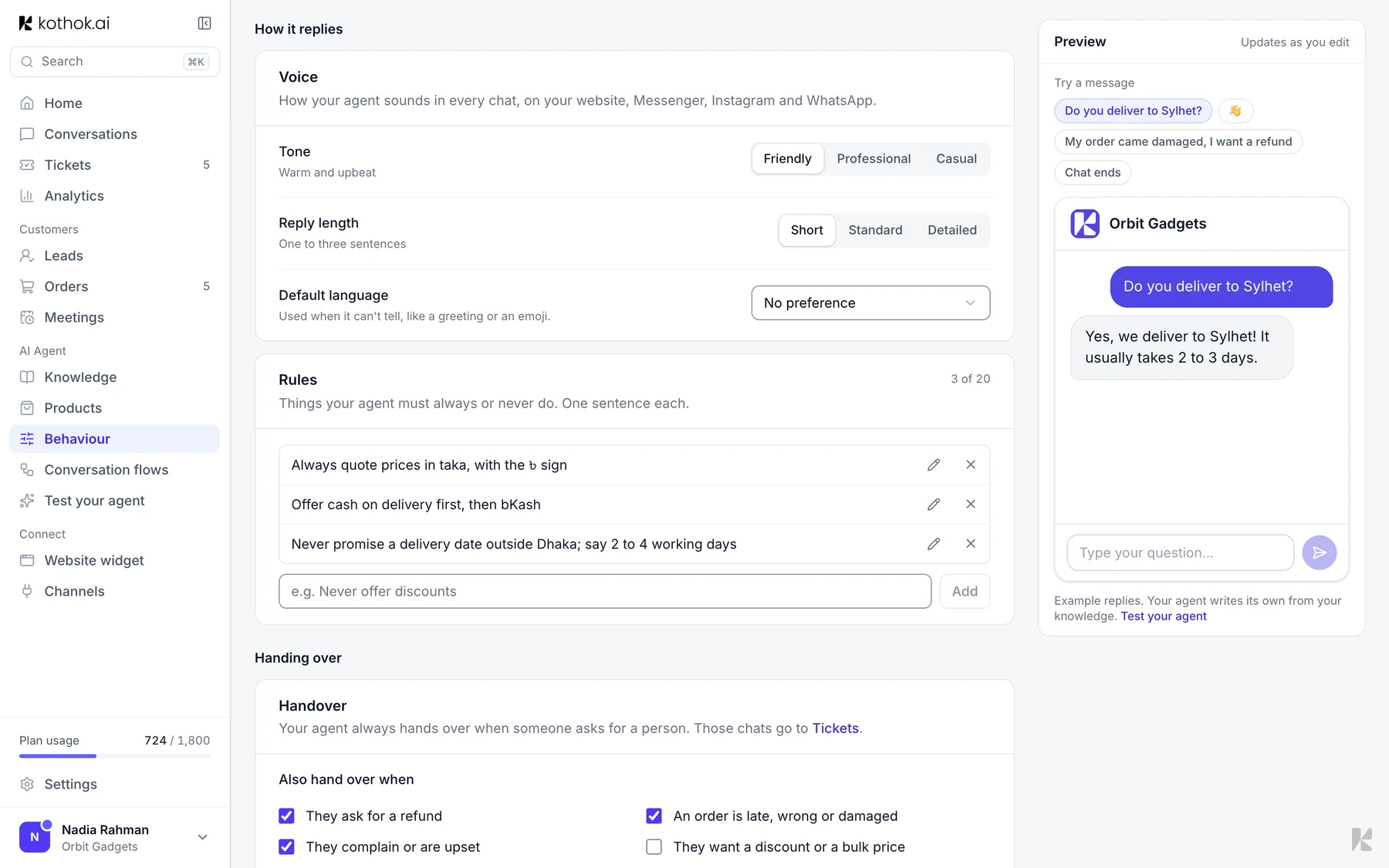
Pick a Tone, a Reply length and the languages it Replies in. Your agent answers in the customer's language when it's one you ticked. Shops in Bangladesh start with English and Bangla ticked, other shops with English only; you can change this.
Messages that don't show a language (like "hi" or an emoji), and ones in a language you haven't ticked, get English when it's ticked, otherwise the language you ticked.
Bangla written in English letters (Banglish) gets a reply in Bangla script while Bangla is ticked.
Rules
Things your agent must always or never do, one sentence each, such as "Never offer discounts." Type a rule under New rule and select Add. Put facts in Knowledge, not rules.
Handover
Your agent always hands over when someone asks for a person. Under Also hand over when, tick other cases, such as refunds or complaints.
Office hours
Turn on Office hours, select Edit hours and set the times for each day. Outside these hours your agent still answers, but tells customers when your team is back.
Turn on Show in the widget to also show it in the chat header while you're away, for example "Back tomorrow at 10am", in the customer's own time. It's off unless you turn it on.
Conversation rating
Turn this on to ask customers to rate the chat when it ends.