Get started
Set up your account and get your agent answering on your website in about 10 minutes.
Who can do this: anyone signing up for a new workspace.
1 Create your account
Sign up with your email address or with Google. With email, open the verification link we send on the same device, then sign in.
2 Choose what your agent should be
Pick Sales assistant if customers buy or book from you, or Front desk if they mainly ask questions and book meetings.
3 Tell us about your business
Fill in Business name, Country, What do you sell? and Agent name. Then choose Yes, a website and enter your address, or No website. A front desk with no website uploads a PDF, DOCX or TXT file instead (up to 5 MB).
Select Continue. Your agent reads your website in the background.
4 Set up your chat widget
Pick Bottom left or Bottom right and write the greeting visitors see first.
5 Add your agent to your site
Under Where is your site built?, pick your platform and follow the steps shown.
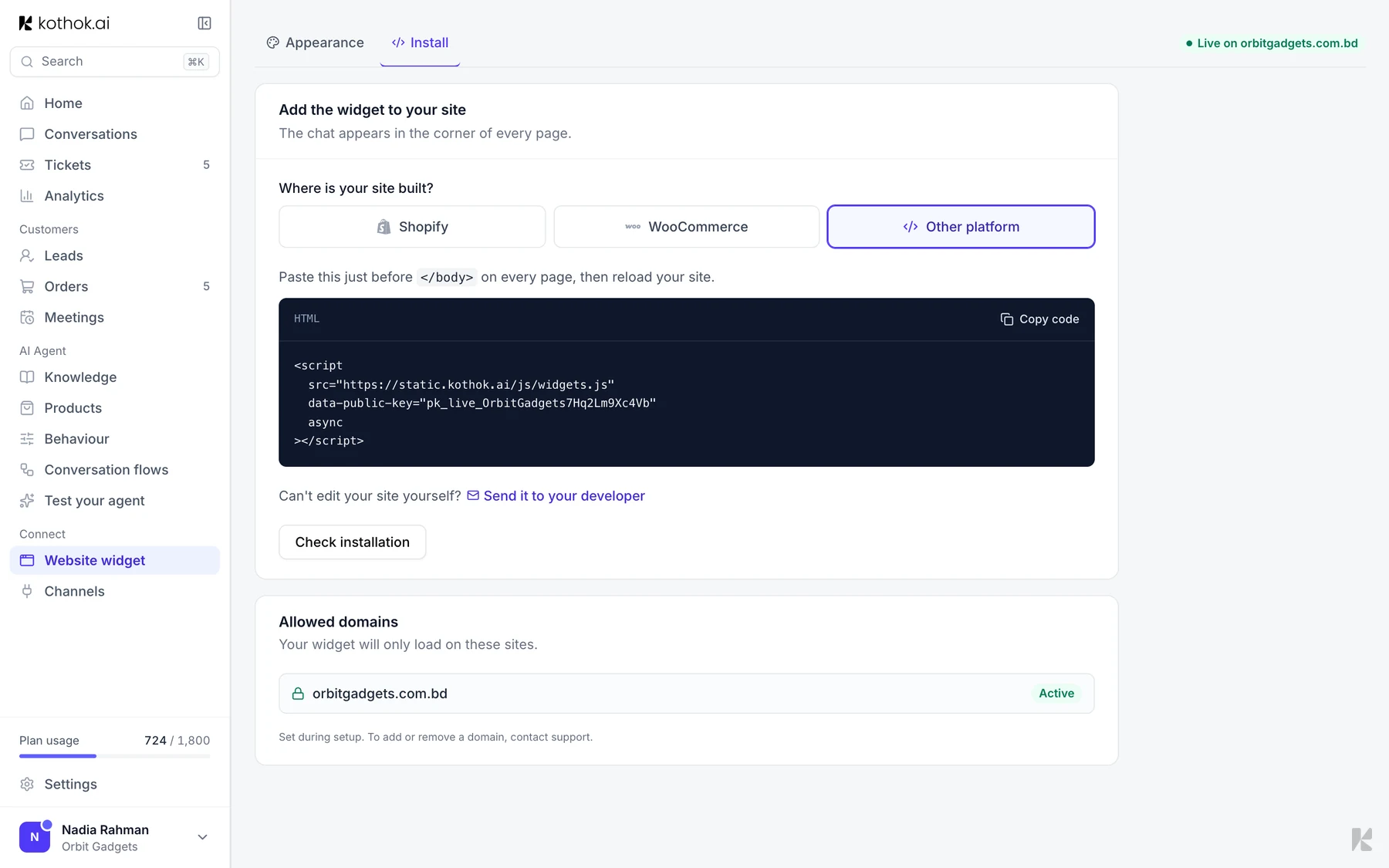
Select Check installation, then Go to dashboard. See Website widget for each platform.
6 Connect your other channels
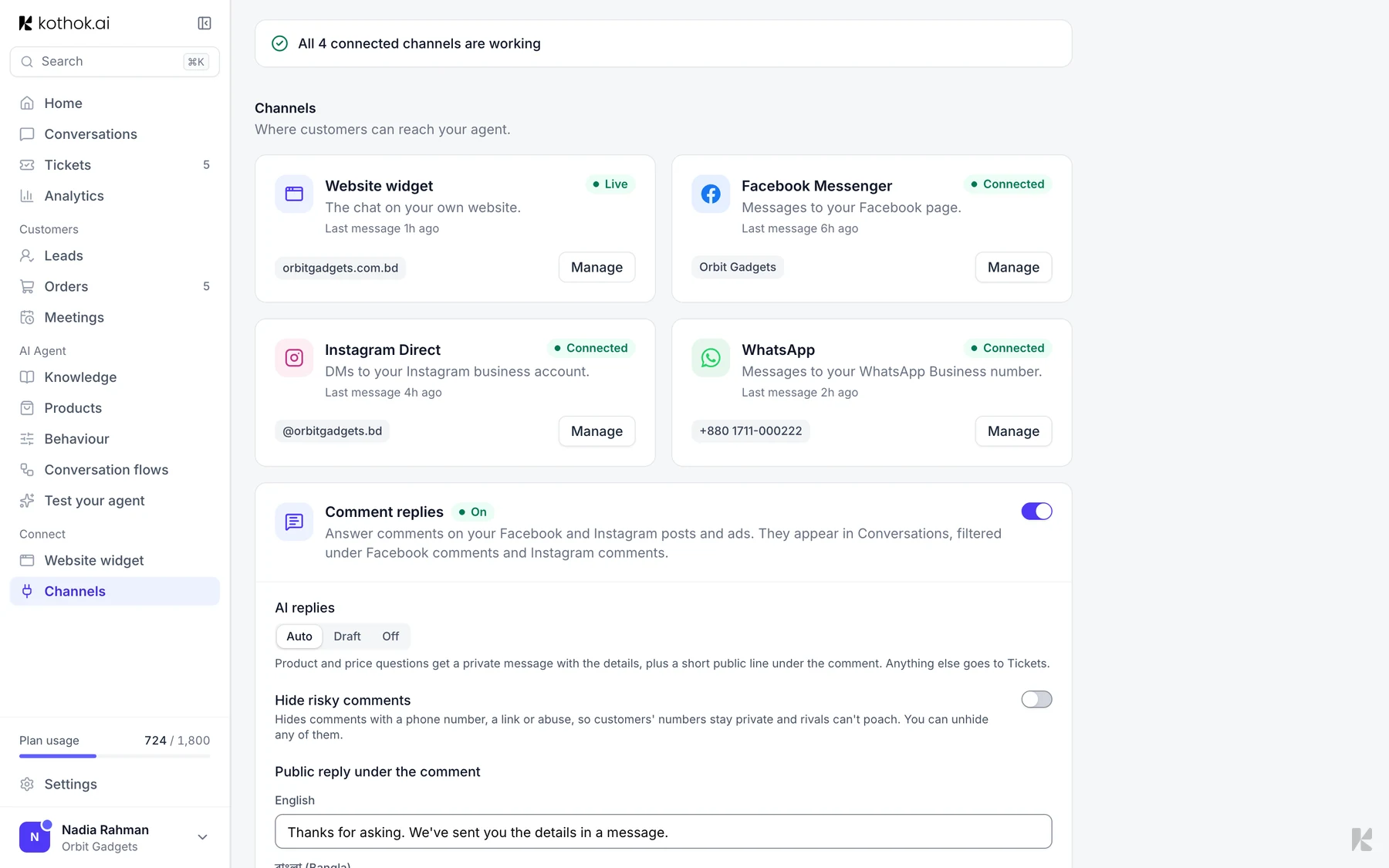
In the sidebar, under Connect, select Channels to add WhatsApp, Messenger and Instagram.
Good to know
- With no website, the widget and install steps are skipped.
- A sales assistant learns from your products. Add them in Products after setup.
If something goes wrong
The verification link expired. On the Check your inbox screen, select send a new link.