Meetings
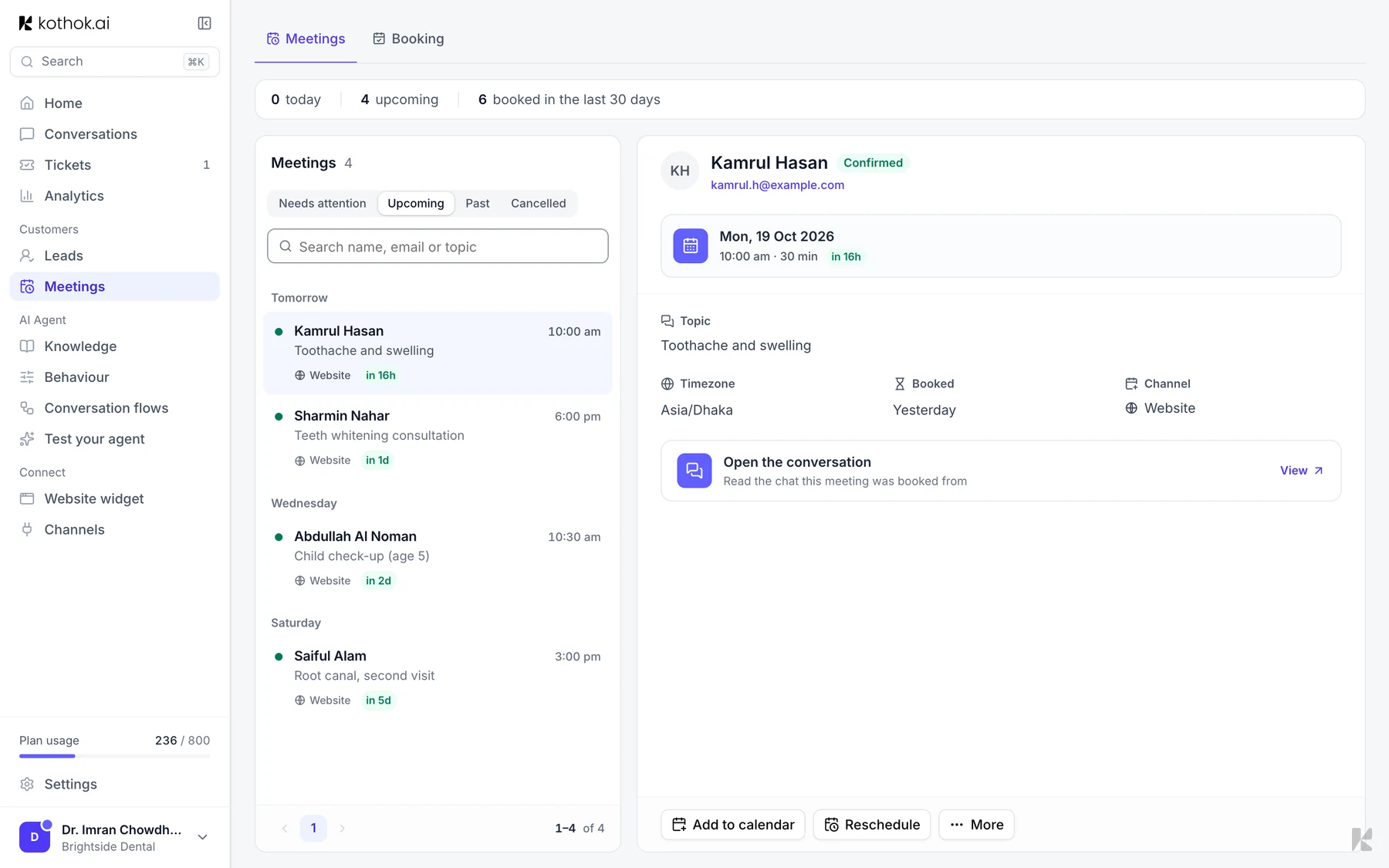
Your agent can book a meeting with a customer during a chat, such as a consultation or a visit. Every booking appears on the Meetings page.
Who can do this: everyone on your team. Connecting Google Calendar and changing booking settings needs an owner or admin.
Before you start
Connect Google Calendar so your agent offers your real free times.
See your meetings
In the sidebar, under Customers, select Meetings. The Bookings tab lists your meetings. Select one to join it, open it in Google Calendar or open the chat it was booked from. Booking settings are on the Calendar tab.
Reschedule or cancel
Open the meeting and select Reschedule, or More, then Cancel meeting. Kothok emails the customer either way.
If something goes wrong
A meeting is under Needs attention. It was booked, but the confirmation didn't reach someone. Contact the customer yourself.