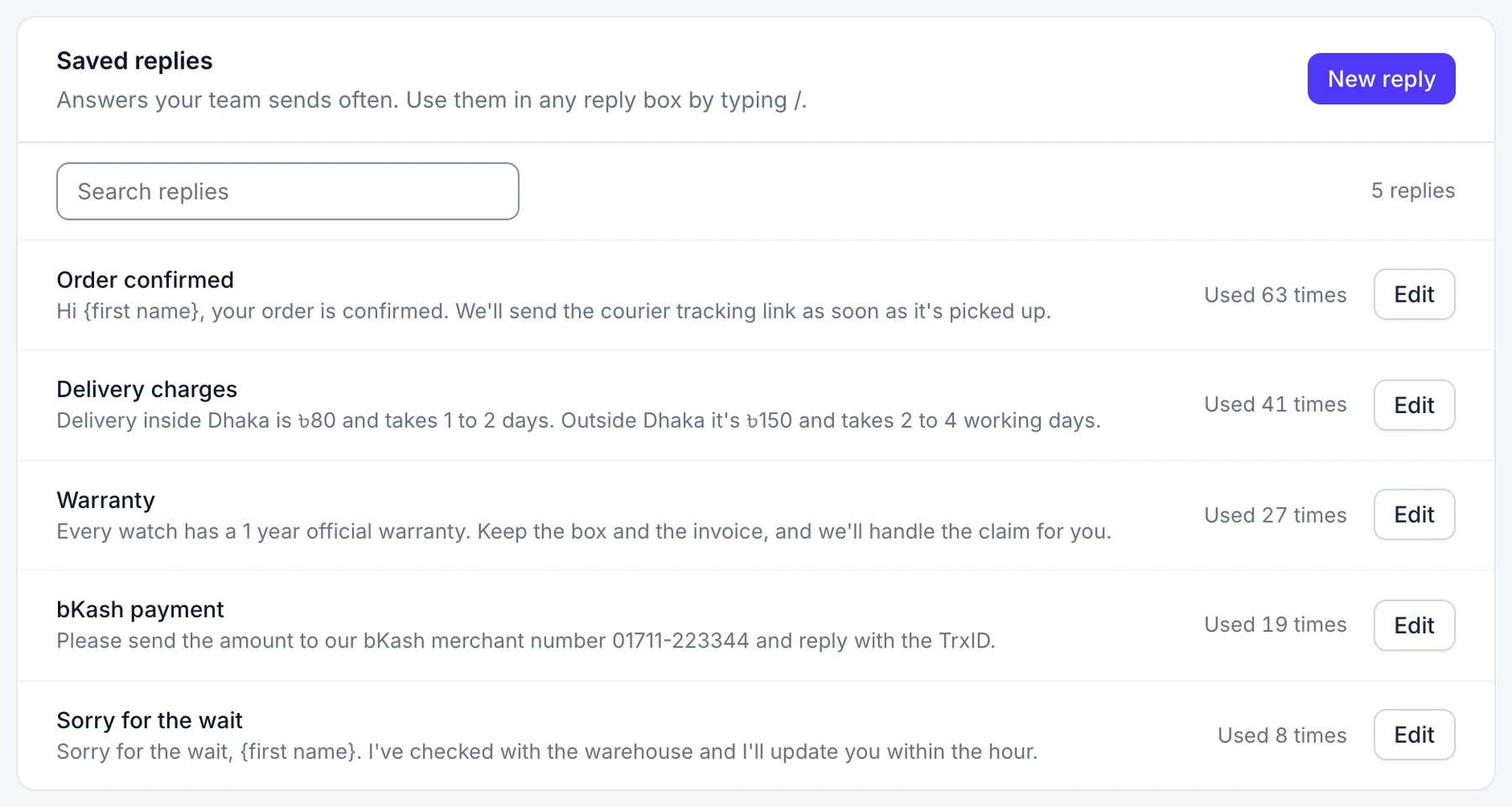
Saved replies
Saved replies are answers your team sends often, like delivery times or your returns policy.
Who can do this: everyone on your team.
1 Add a saved reply
- Go to Settings → Saved replies and select New reply.
- Give it a Name and write the Message. Select Customer's first name to add a placeholder that fills in for you.
- Select Save reply.
2 Use it in a reply
In a chat or ticket, type / in the reply box, pick the reply and press Enter. Check the text, then send.
Edit or delete
Select Edit next to a reply in Settings → Saved replies.
Good to know
- Owners and admins can tick Let your agent use this too so your agent sends the reply itself when customers ask that question.