WhatsApp
Connect the number you already use on the WhatsApp Business app, and your agent answers WhatsApp messages for you.
Who can do this: owners and admins.
Before you start
- The WhatsApp Business app on your phone, signed in with the number you want answered.
- A Meta business portfolio, or the details to create one.
1 Open Channels
In the sidebar, under Connect, select Channels, then select Connect WhatsApp.
2 Log in to Meta
Log in with the Facebook account that owns your business portfolio, then check the business details we filled in.
3 Scan the QR code with your phone
Enter your number. Meta shows a QR code: scan it with the WhatsApp Business app and follow the steps in the app.
4 Check it connected
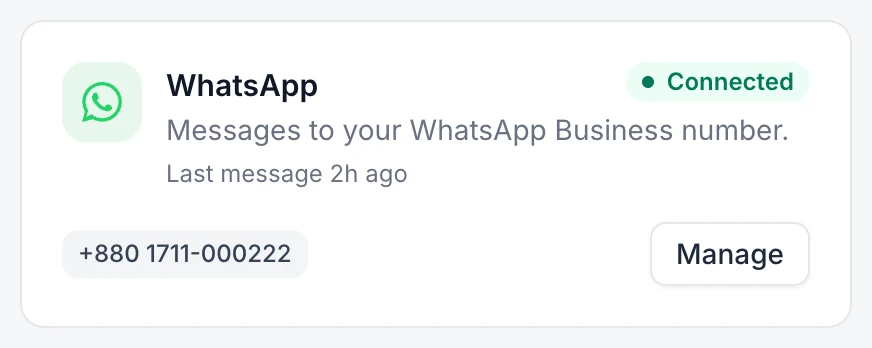
Your number appears on the WhatsApp card. Send it a message from another phone to test it.
If something goes wrong
The pop-up didn't open. Allow pop-ups for the dashboard, then try again.
The card says Needs attention. Select Manage, open ⋯ next to the number and select Reconnect.