Ticket settings
Ticket settings controls how fast your team should answer tickets, and who gets new ones.
Who can do this: owners and admins.
Go to Settings → Ticket settings.
1 Set reply targets
Turn on Track reply targets, choose First reply within and Resolve within, then select Save. Tickets that miss a target show under Overdue in Tickets.
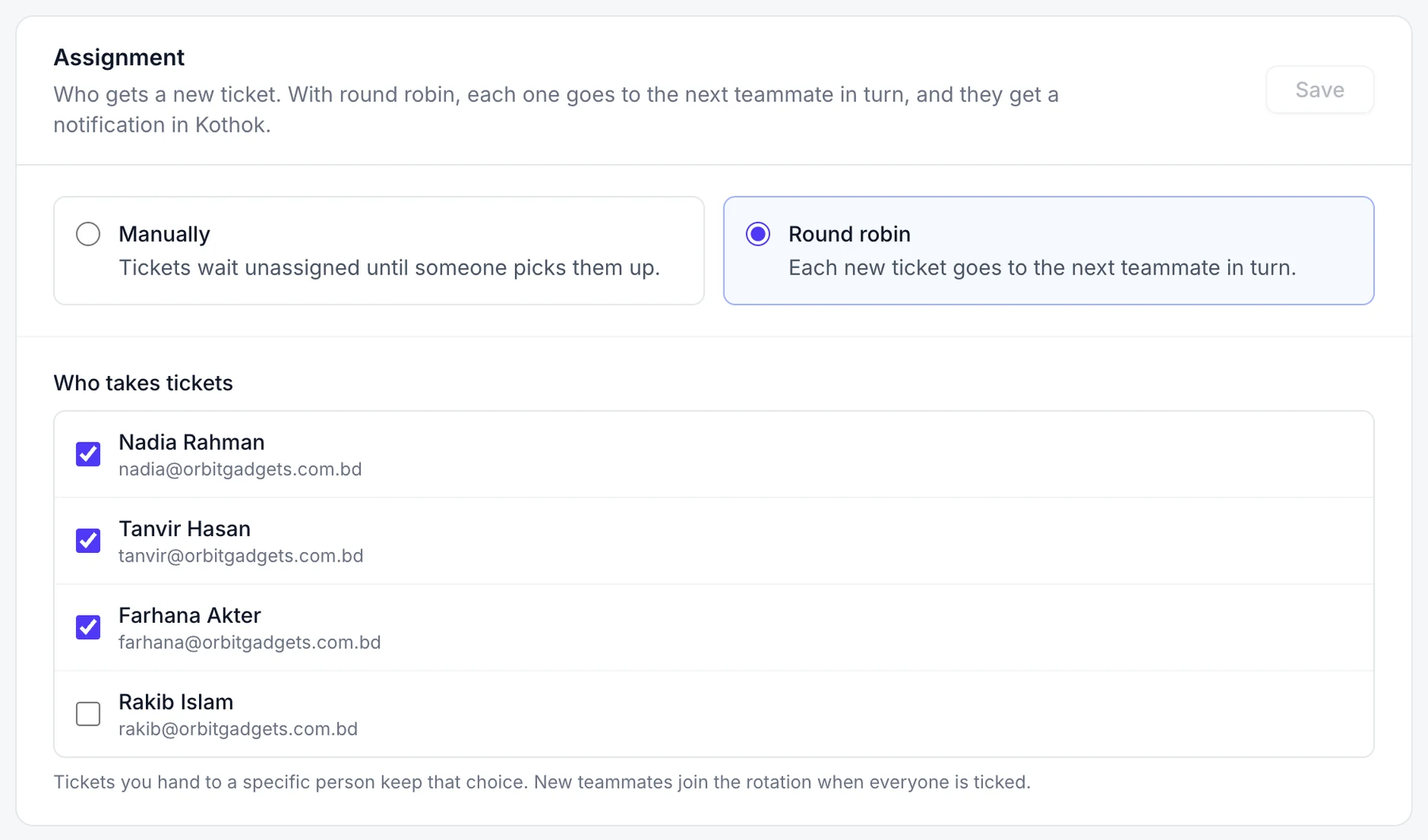
2 Choose who gets new tickets
Choose Manually to let teammates pick tickets up, or Round robin to share new tickets in turn. For round robin, tick the teammates under Who takes tickets.
Good to know
- Count office hours only pauses the clock when you're closed. Set office hours in Behaviour.