Instagram Direct
Connect your Instagram account so your agent answers direct messages. You sign in with Instagram, so you don't need a Facebook page.
Who can do this: owners and admins.
Before you start
- An Instagram professional account (business or creator).
1 Open Channels
In the sidebar, under Connect, select Channels, then select Connect Instagram.
2 Sign in to Instagram
Sign in to the account you want answered, then approve the permissions.
3 Check it connected
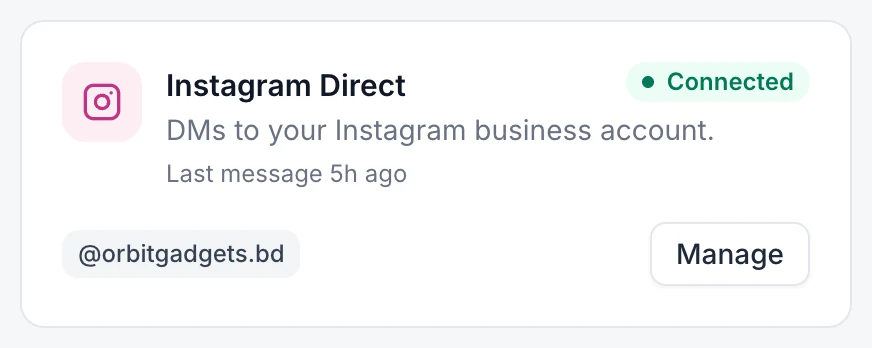
Your @username appears on the Instagram Direct card. Send a DM from another account to test it.
If something goes wrong
Instagram won't let me connect. Switch the account to professional in the Instagram app, then try again.