Analytics
Analytics shows how your agent and your team are doing over time.
Who can do this: everyone on your team.
Pick a date range
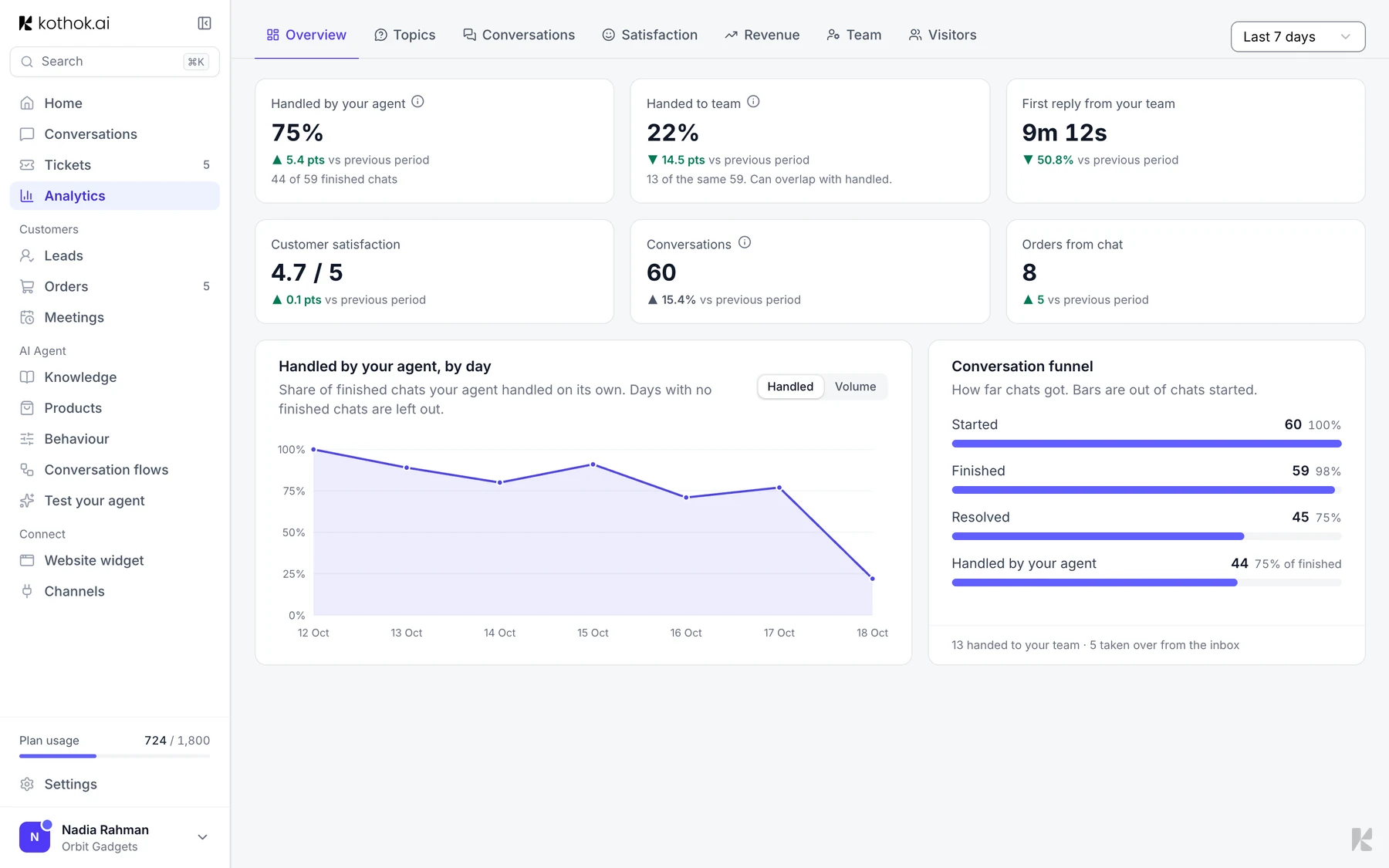
In the sidebar, select Analytics, then choose Last 7 days, Last 30 days or Last 90 days. Numbers are compared with the period before. Select the info icon next to a number to see how it's worked out.
The tabs
- Overview: chats your agent handled on its own, chats handed to your team, first reply time and customer satisfaction.
- Topics: what customers ask about, and the questions your agent struggles with.
- Conversations: chats by channel, busy times and how long chats are.
- Satisfaction: ratings, and low-rated chats to review.
- Revenue or Results: sales from chat for shops, or leads and meetings.
- Team: tickets by teammate and why chats became tickets.
- Visitors: new and returning visitors, and the pages they use most.
Good to know
- Chats from Test your agent don't count.