Facebook Messenger
Connect your Facebook page so your agent answers the messages people send it.
Who can do this: owners and admins.
Before you start
- An admin role on your business's Facebook page.
1 Open Channels
In the sidebar, under Connect, select Channels, then select Connect Facebook.
2 Sign in and choose your pages
Sign in with the Facebook account that administers your page, select the pages you want answered, then approve the permissions.
3 Check it connected
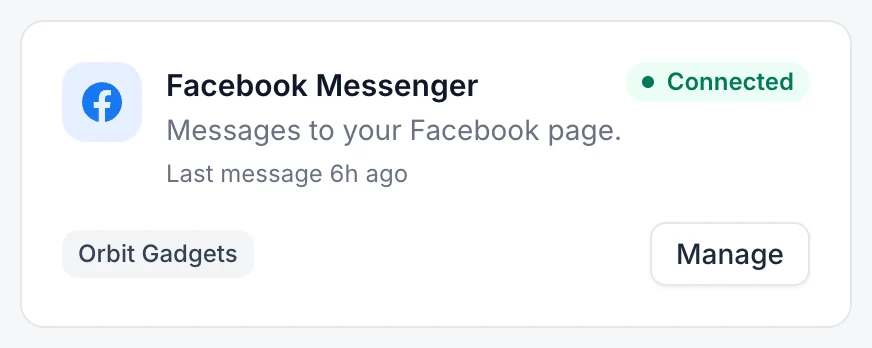
Your pages appear on the Facebook Messenger card. Message the page from another account to test it.
If something goes wrong
My page is not in the list. Facebook only lists pages you administer.
The card says Needs attention. Select Manage, open ⋯ next to the page and select Reconnect.