Home
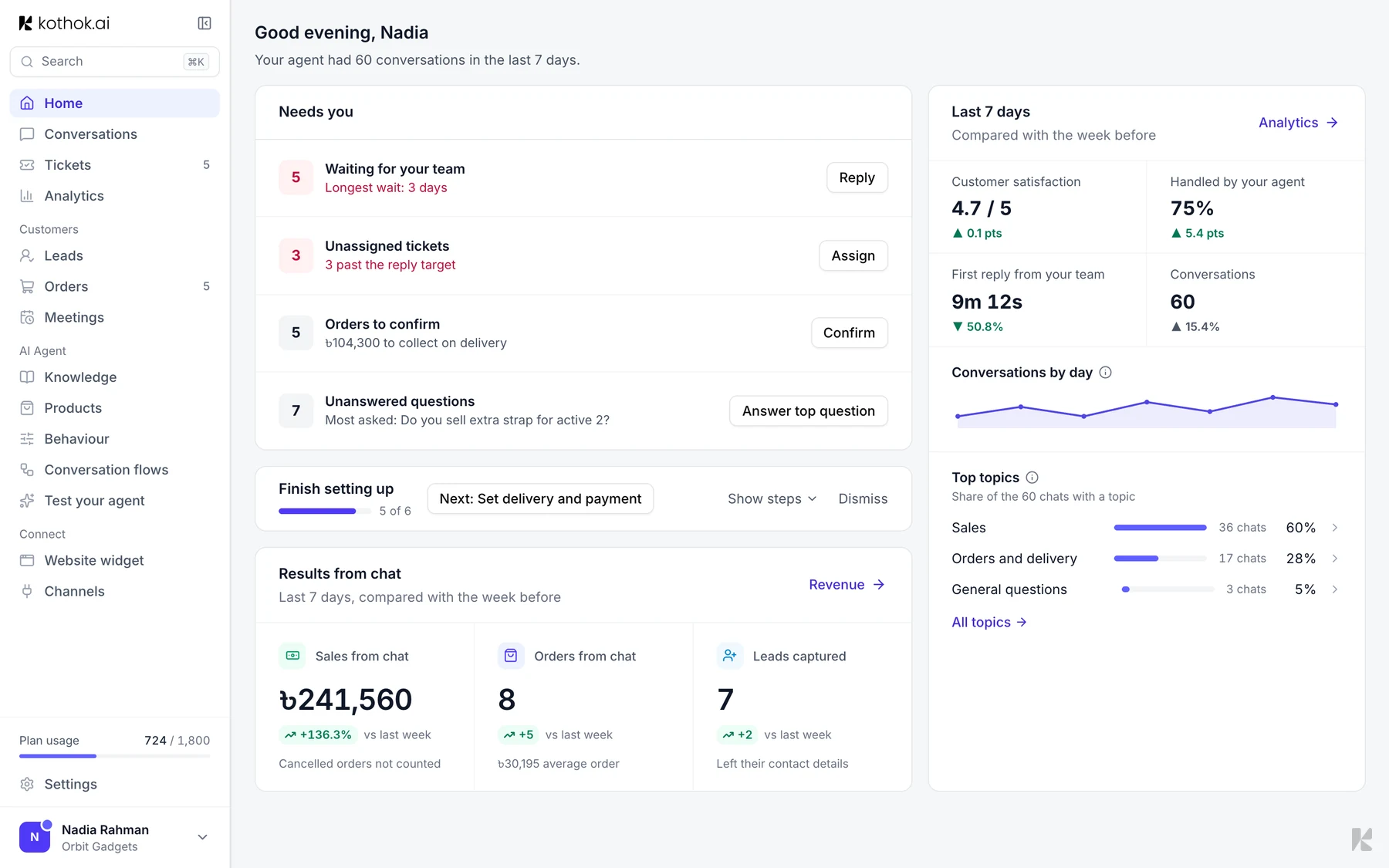
Home shows what needs you today and how your agent did over the last 7 days.
Who can do this: everyone on your team. Only owners and admins see the setup checklist.
Setup checklist
Finish setting up shows your progress and the next step. Select Steps to see them all, and select a step to go where you do it. It disappears once everything is done, or select the X to hide it sooner.

Needs you
Needs you lists work waiting for your team, such as open tickets, orders to confirm and questions your agent couldn't answer. Select a row to go straight to it.
Last 7 days
Last 7 days compares this week with the week before. Results from chat shows sales and orders for shops, or leads and meetings for everyone else. For longer ranges, use Analytics.